One workspace, built as one product.
Mail, Chat, Meet, Calendar, Drive, Docs, Tasks, Notes and Forms share one directory and one policy engine — with a choice of where the whole thing runs.
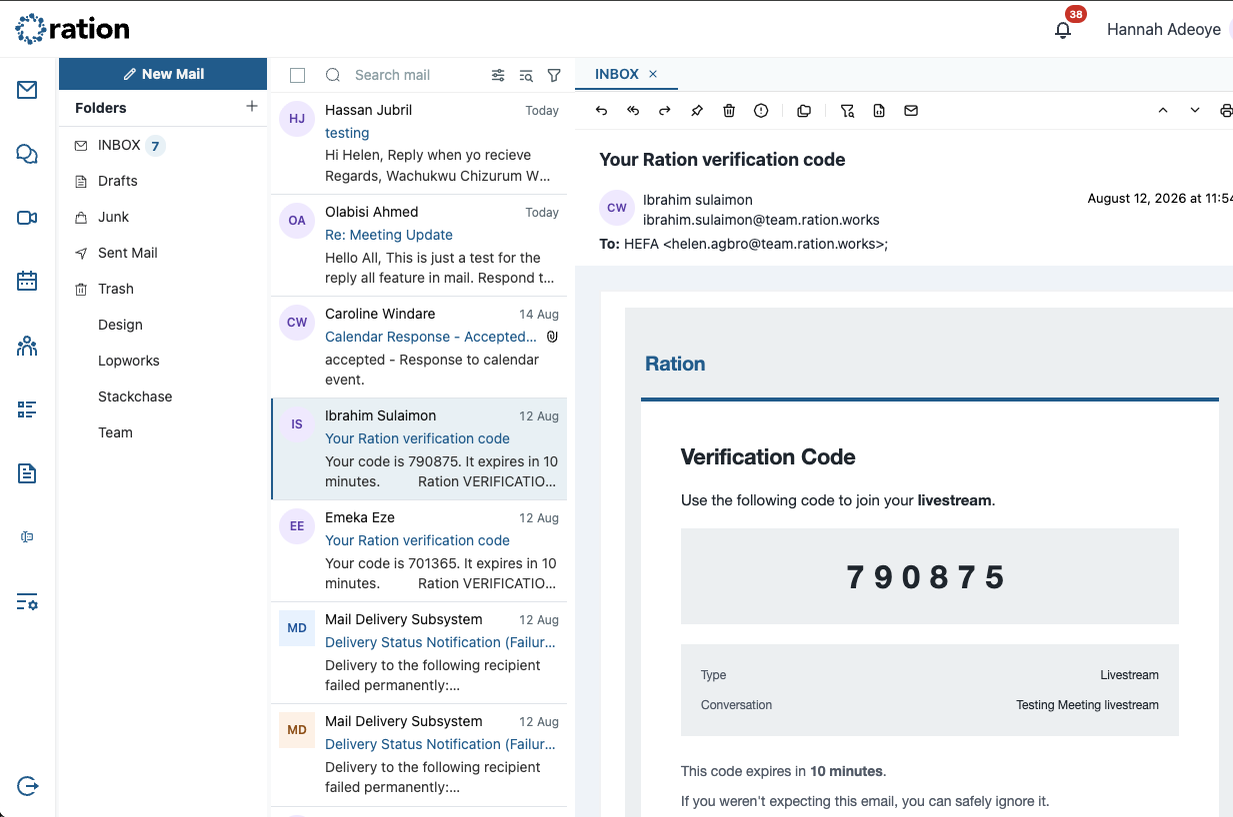
Everything your organisation uses to communicate, working as one system.
One place for conversations, meetings, files, documents and schedules — and the work that follows from them.
- 01
One identity
Everyone signs in once. The same account carries across every module, on every device.
- 02
One directory
Contacts, calendars and org structure come from one shared source, not four copies kept loosely in sync.
- 03
One policy model
Roles and access are set once. When someone leaves, one change revokes them across the whole workspace.
One policy. Everywhere.
The difference between an integrated platform and a bundle shows up when someone leaves. In a bundle, revocation is a checklist across four consoles. In Ration, one policy engine decides access across every module.
- One admin
- Roles managed centrally, from a single console.
- One decision
- Policies applied across every module at once.
- One offboarding action
- Access removed across the whole of Ration.


See how work moves through Ration.
A conversation becomes a meeting, a file becomes a decision — the same identity and rules following the work across every module.
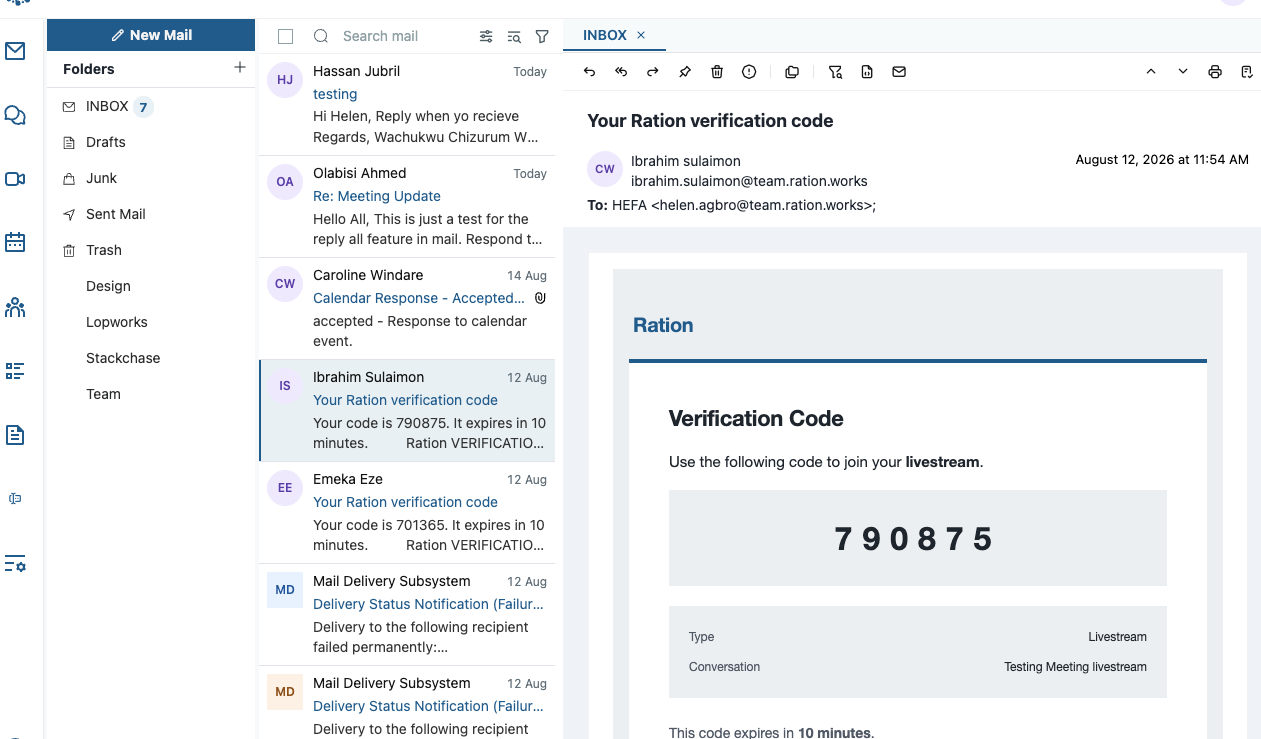

Used by the ministries, enterprises and teams doing the continent's work.
Inside the platform
What collaboration covers
Modules built against the same directory and the same permissions from the start — not products bolted together.
- 01
Messaging
Threaded chat with the same identities and permissions as everything else.
- 02
Meetings
Calls and scheduling that read the shared calendar and org structure directly.
- 03
Files & Docs
Storage and documents governed by one access model, not a separate share tool.
- 04
Work management
Tasks, notes and forms that stay attached to the conversations they came from.
Administration from one console
Corporate messaging becomes a governance problem at scale: who is in which channel, which externals still have access, and what happens the day someone leaves.
Roles and policy are set once, from one admin console, and apply across every module. Revocation takes effect immediately, and grants, shares and moderation actions are written to an audit trail.


Your existing clients keep working
Ration speaks the standards your organisation already uses, so a migration does not have to begin with retraining everybody. Outlook and mobile mail clients connect as normal.
- ActiveSync
 IMAP
- POP3
- SMTP

- 01ActiveSync, IMAP, POP3 and SMTP for mail
- 02CalDAV for calendars, CardDAV for contacts
- 03Mail, contacts and calendars export whenever you ask for them
Continue with Ration
Work with what you have.
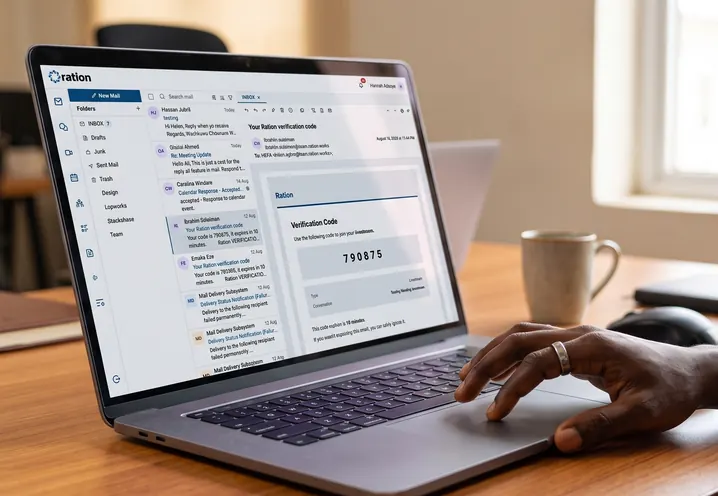 Ration MailBusiness email as a module of the workspace.

 Ration ChatThreaded messaging under one directory and one policy.
 Ration MeetCalls and scheduling that read the shared calendar.
 Ration DriveFiles and storage under one access model.
 Ration DocsDocuments created and shared inside the workspace.
 SovereigntyChoose where Ration runs and who has authority.
See what Ration looks like inside your organisation.
We'll scope it with you before you commit to anything.