01
Okan
One place to see what arrived across Ration and what is waiting on you.
- The feed brings mail, messages, channels and notifications together. Use Unread only and the sources filter to narrow it.
- What needs you lists what is coming up, overdue or escalated. You can decide approvals there with Confirm approval or Return for changes.
- Snooze an item until later, or open it in its own app to act on it.
02
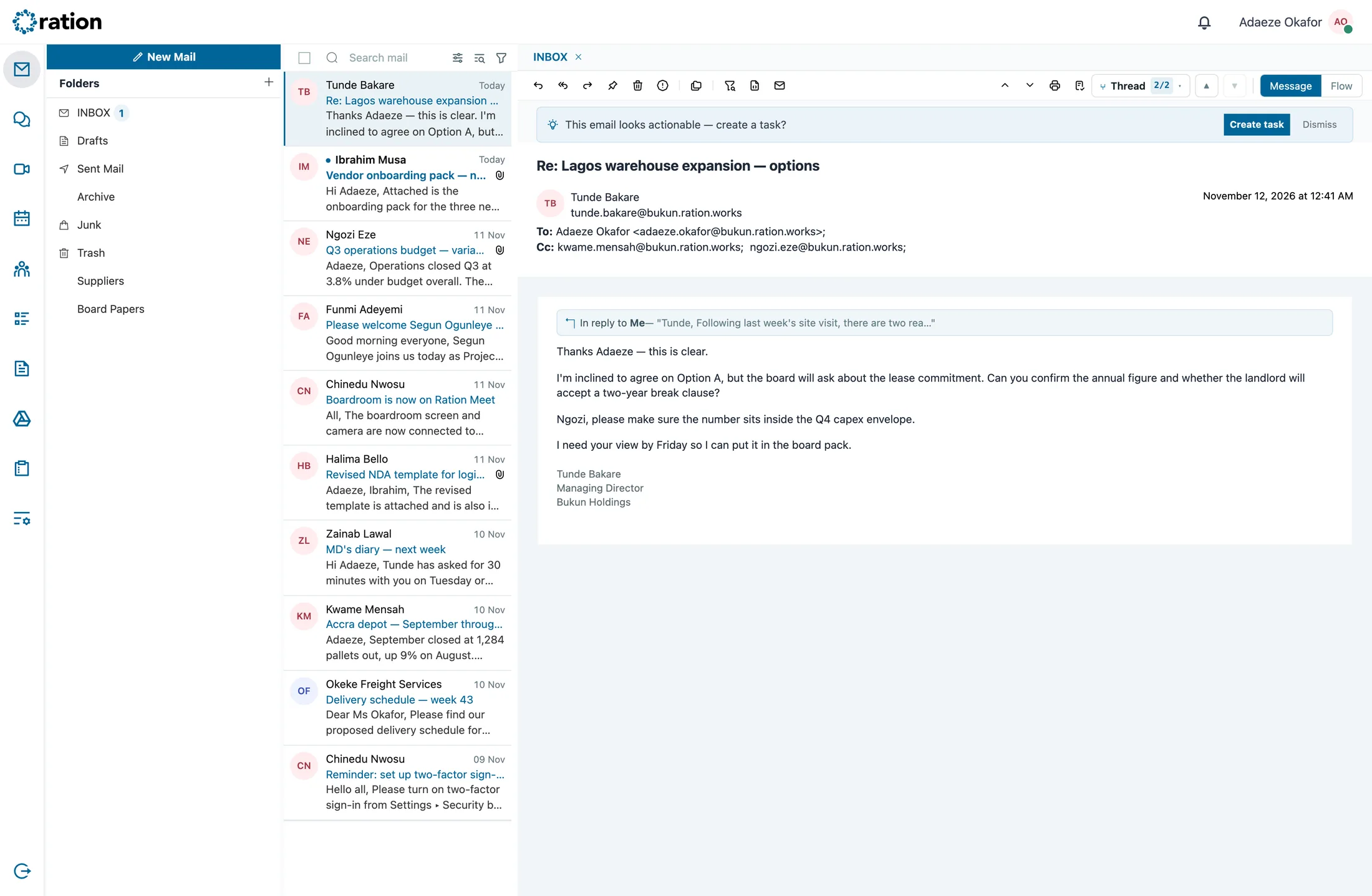
- New Mail to write. Use Attach files or Attach from Drive, and send with Cmd+Enter or Ctrl+Enter.
- In a conversation, switch Reading mode between Message and Flow. Select Thread to see a map of the whole thread, then click any message to open it.
- Use Search mail, or Advanced Search to search by sender, subject, body, attachments, date or size.
- Rename, hide or delete folders from the Folders panel, and sort mail automatically with Create Filter.
03
Chat
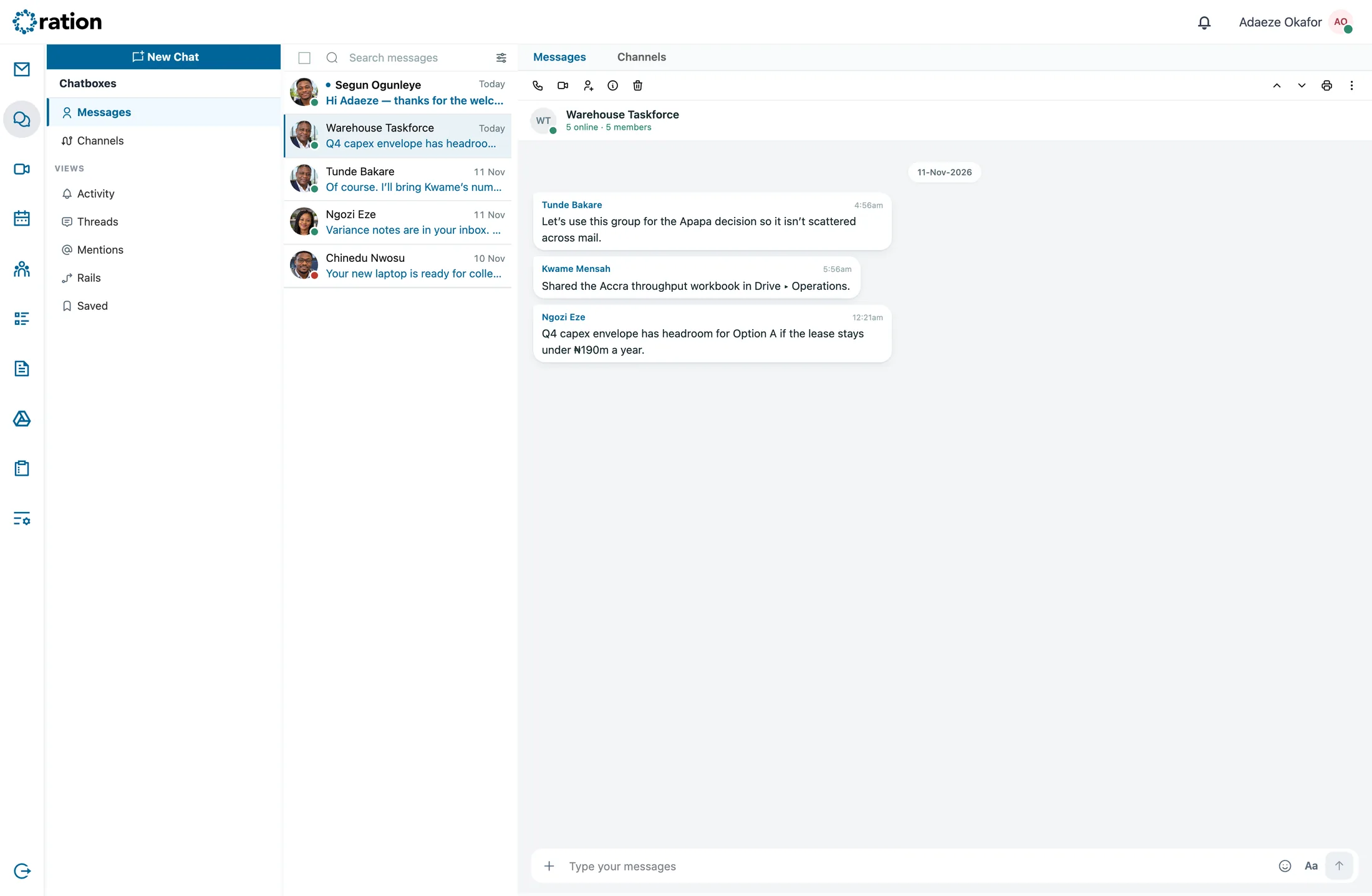
- New Chat, then Message to talk to one or more people, or Channel to create a channel. Choose who can find it (open or private) and whether it is for discussion or announcements.
- Type @ to mention someone, or # to link a channel.
- Share files with Attach. From any message you can reply, forward it, email it or Create task.
- Start a Voice call or Video call from the conversation header.
On Ration Start you can join calls and meetings. Starting them needs Ration Do or Scale.
04
Meetings
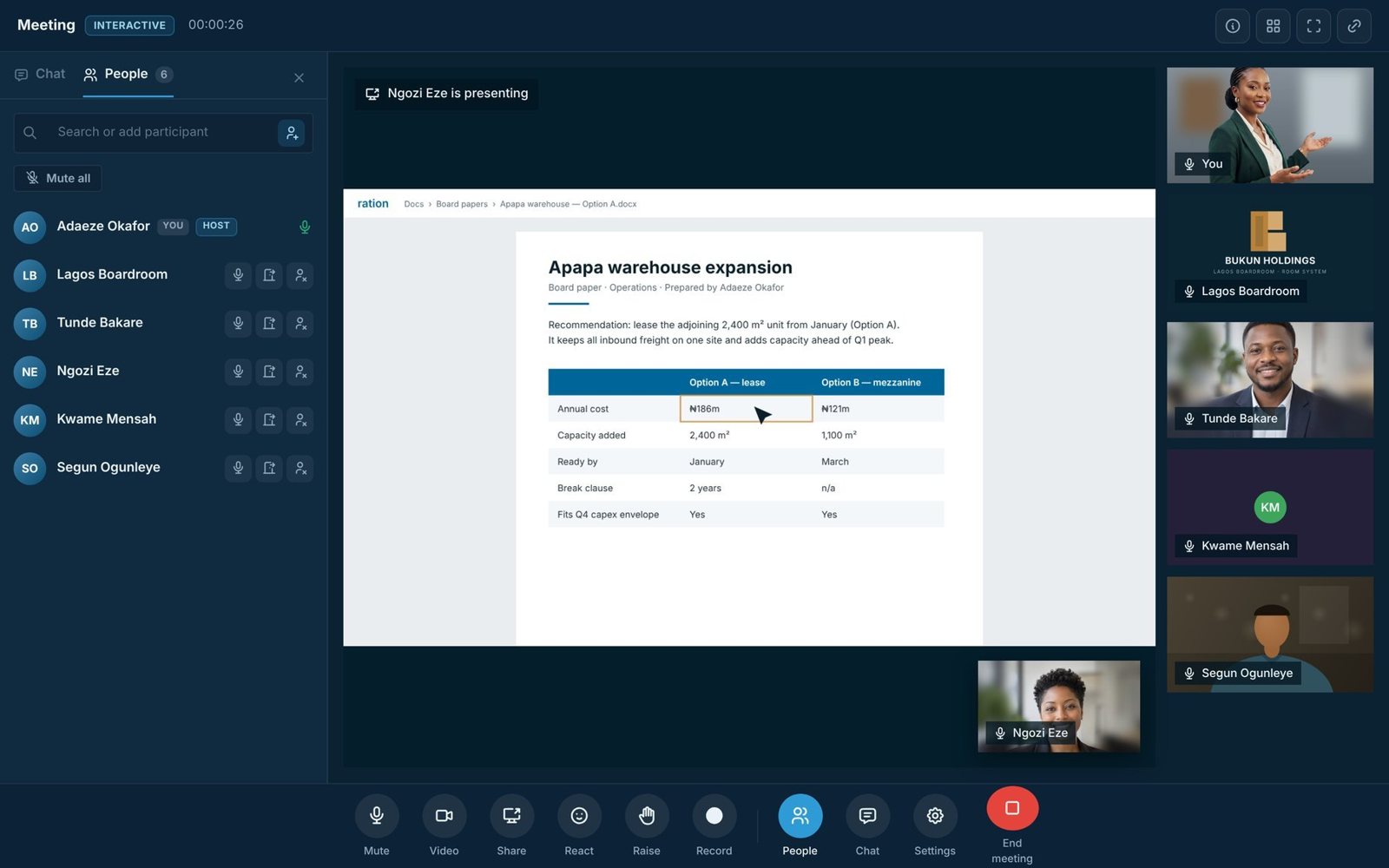
- New Meeting, then Start now or Schedule. Set the name, time, repeats and who can join.
- Invite people outside Ration by typing their email address in Add people…, or use Copy guest link.
- In the call: Share to present your screen, plus reactions, people, chat and Leave. Hosts can select Record.
- Afterwards, the meeting page has the recording, chat, files and summary.
Meetings hold up to 25 people for 60 minutes on Ration Do, and 50 people for 120 minutes on Ration Scale. Recording needs Do or Scale.
05
Calendar
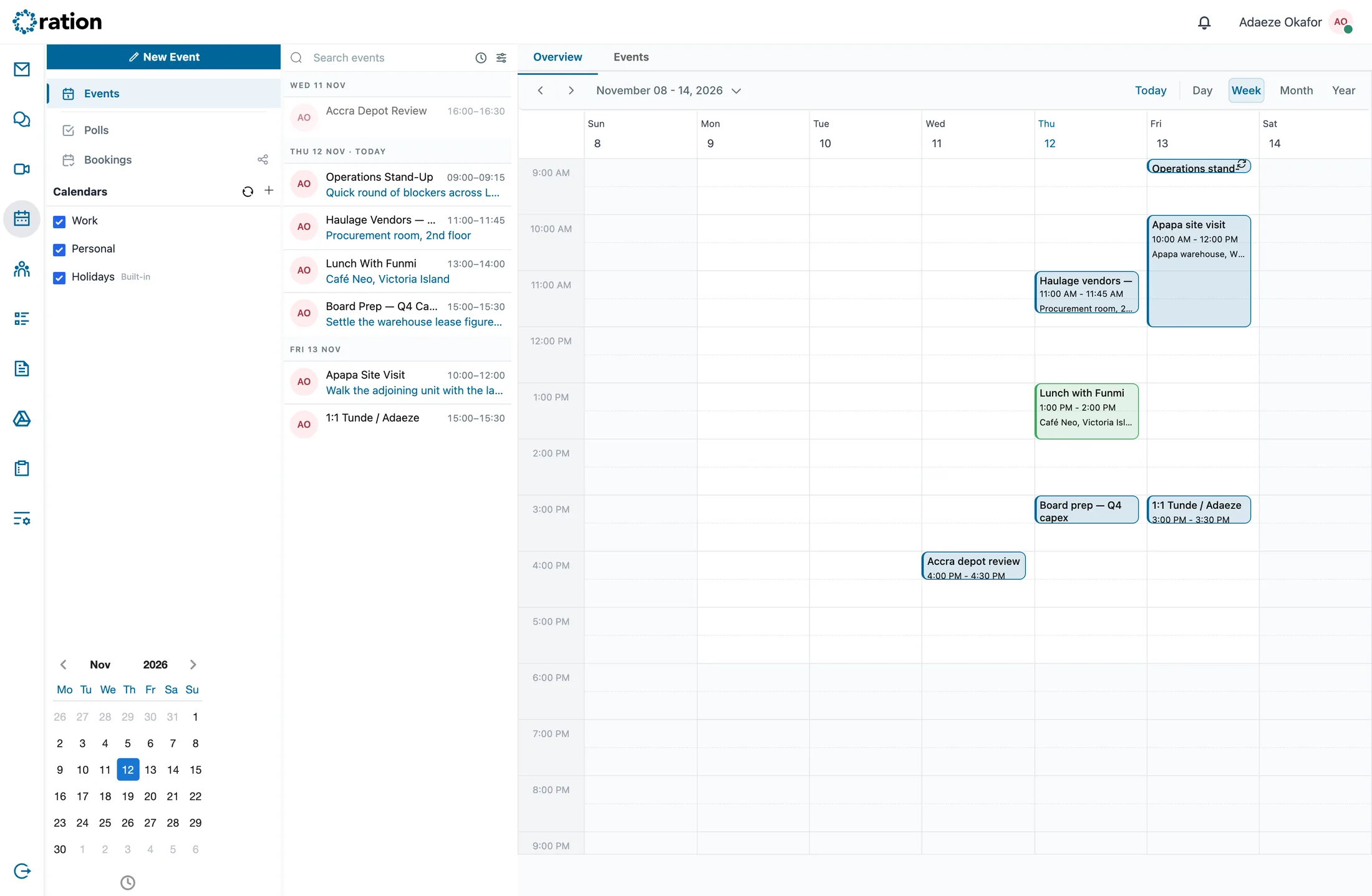
- New Event opens a guided wizard. Add people under Who’s coming?, and use Find a time to see when everyone is free. Prefer one screen? Choose Detailed form.
- Add a Ration meeting to an event with Join Ration Meeting under Where.
- Set up a Booking page with your availability, then Share booking page so others can book time with you. Accept or decline bookings as they arrive.
- Turn on public holidays from the calendar menu under Holidays.
06
Contacts
- New Contact, fill in the details and select Create. Add your own fields with Add custom field.
- Organise contacts into Address Books, and pin the ones you use most.
- Share a contact, or Export vCard to send it elsewhere.
07
Tasks
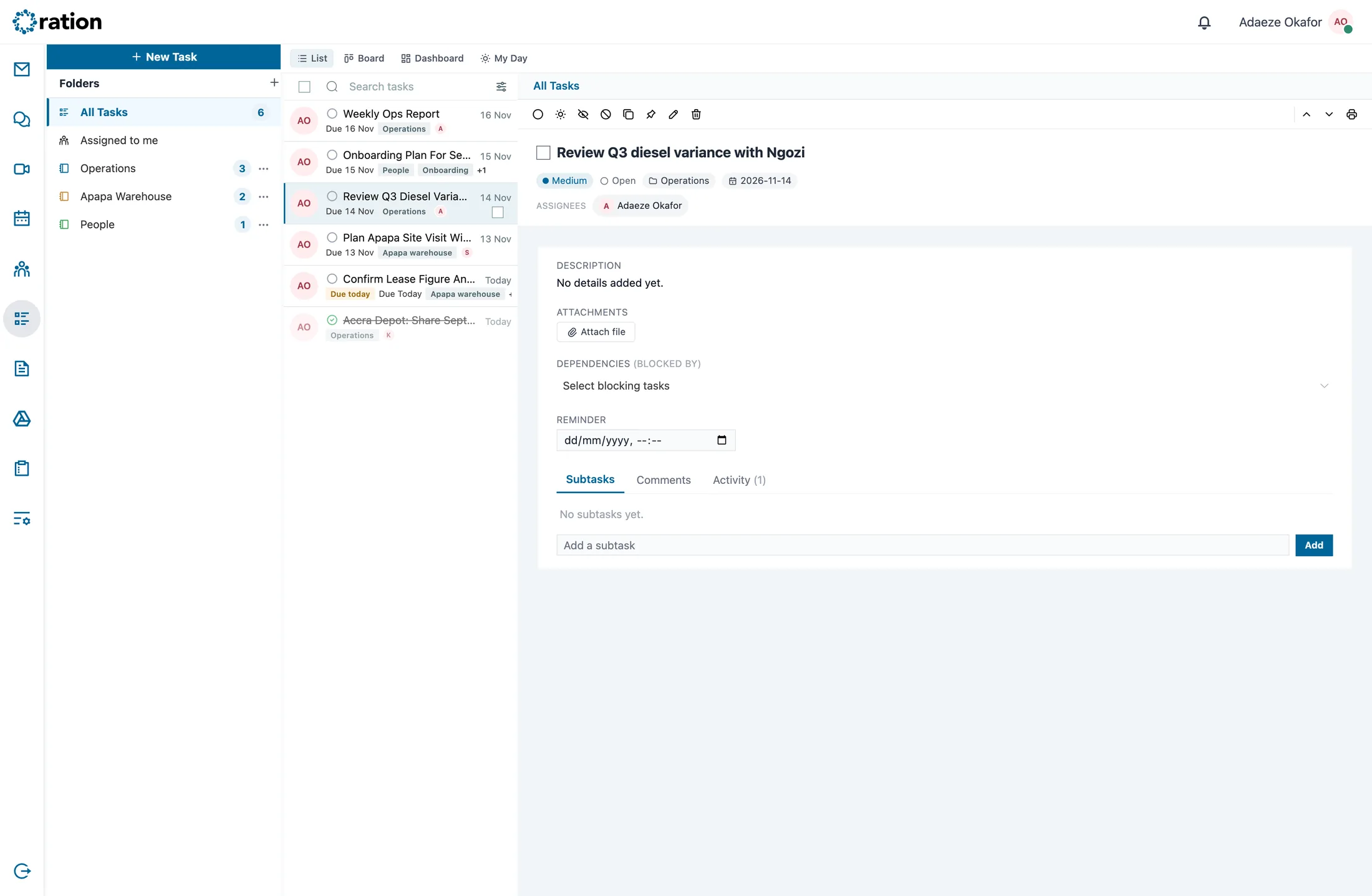
- Start from My Day, All my tasks, Assigned to me or Approvals.
- New Task for a single task, New project for a team, or Import tasks to bring a list in.
- View a project as a list, board, table, timeline or calendar. Give tasks due dates, assignees, subtasks and dependencies, and comment on them.
Ration Do adds dashboards, scheduled reports and automations. Ration Scale adds portfolios, goals, workload and time tracking.
08
Notes
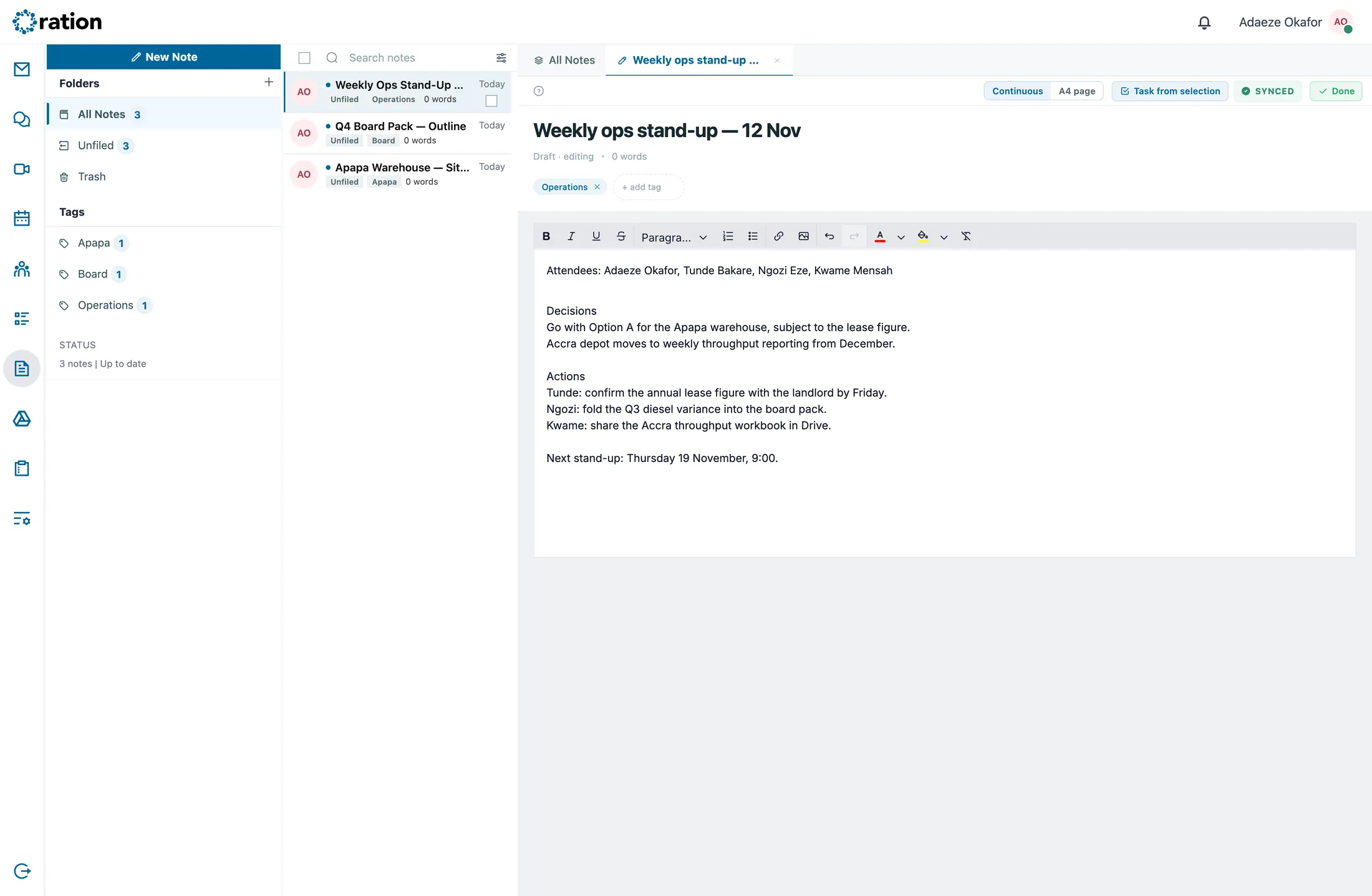
- New Note, then file it in a folder or tag it.
- Share to give people view or edit access, or create a link anyone can open. You can also email a note as a document.
09
Drive
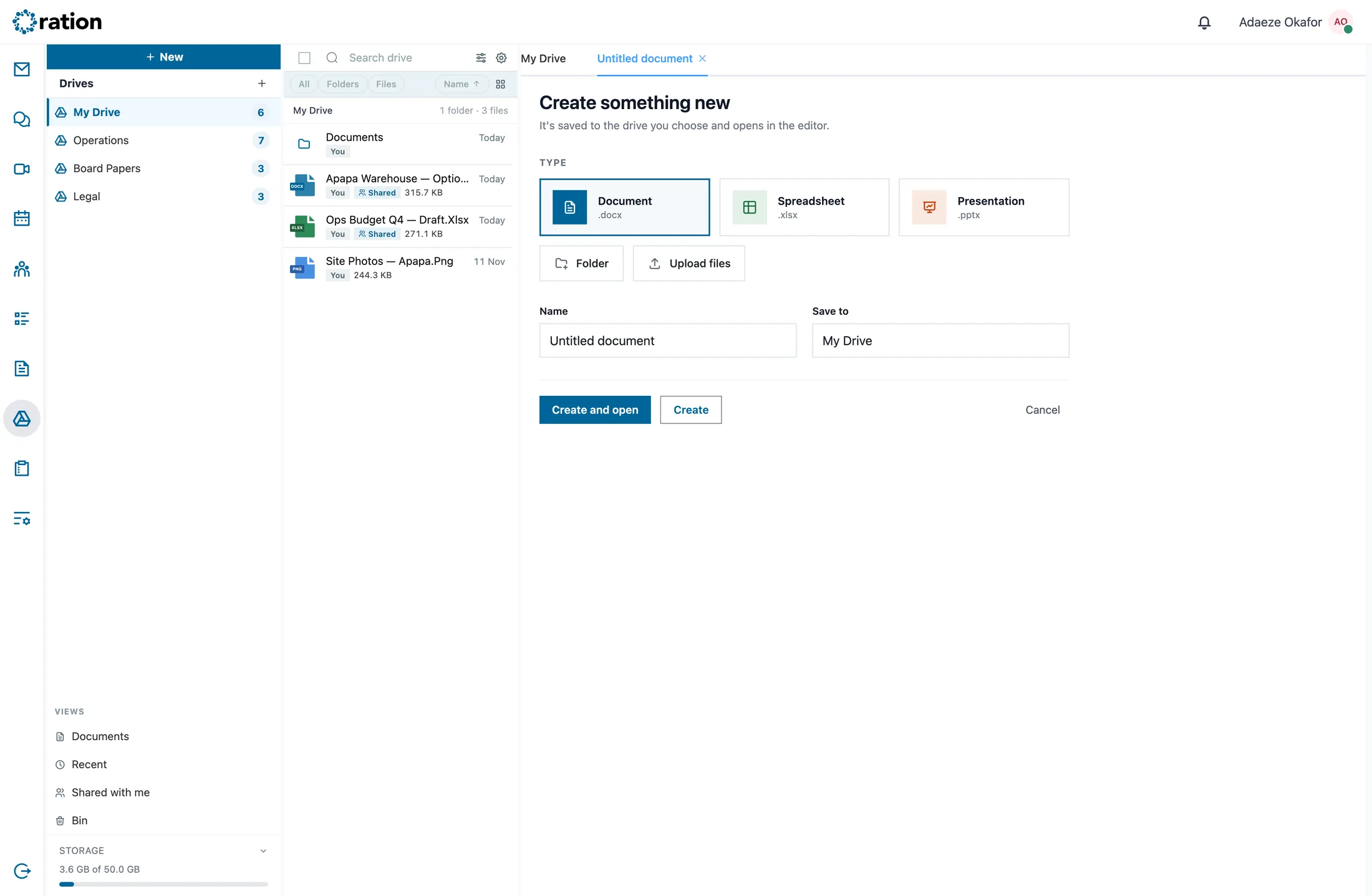
- Create a drive first with the + next to Drives. Then use Upload Files or New Folder.
- New creates a document, spreadsheet or presentation. Office files and PDFs open in Ration Docs with Open in editor.
- Share adds people as viewers, editors or managers. Under General access, choose who can use the link, and optionally add an expiry date or a password.
- Need files from someone else? Use Create file request to send a link they can upload through.
Uploading a file with the same name as an existing one saves a new version and keeps the old one in its history.
10
Forms
- New form, then Assisted to describe what you need (or start from a document), or Detailed to build from a starting point.
- Check it with Preview as a respondent, then Publish and Share.
- Watch responses come in under Overview and Reports. Select Close form when you are done.
Creating forms needs Ration Do or Scale. People filling in a form don’t need a plan, or a Ration account.
Last reviewed 27 November 2026.